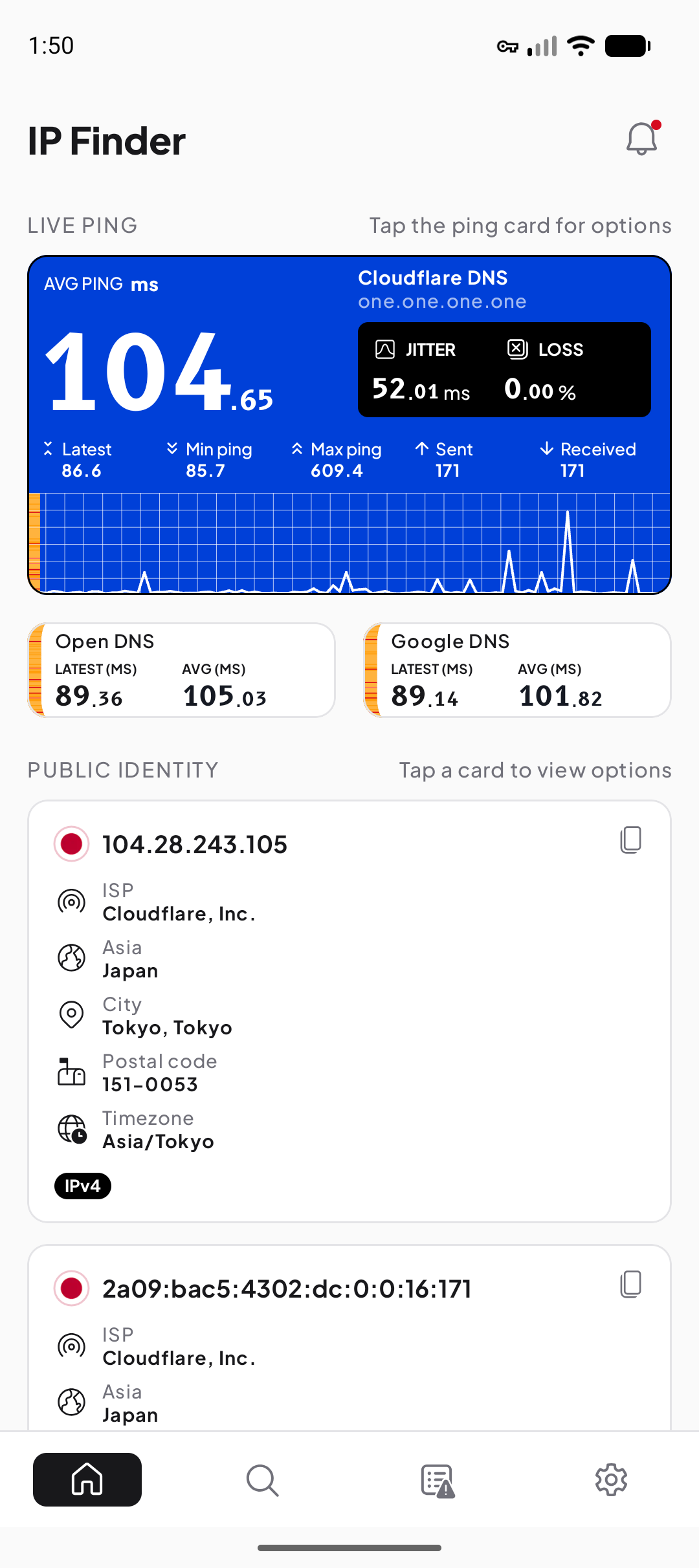
See the public side of the active connection
The overview reports the public IPv4 or IPv6 information available to the app’s checks. It can associate the address with a network organization and an approximate IP-based area. Use this view when switching Wi-Fi, mobile data, or VPN and you want to confirm which outward-facing path answered.
A phone may have IPv4, IPv6, both, or different availability on different networks. The screen reflects the active path; it does not mean an unavailable protocol is unsupported everywhere.
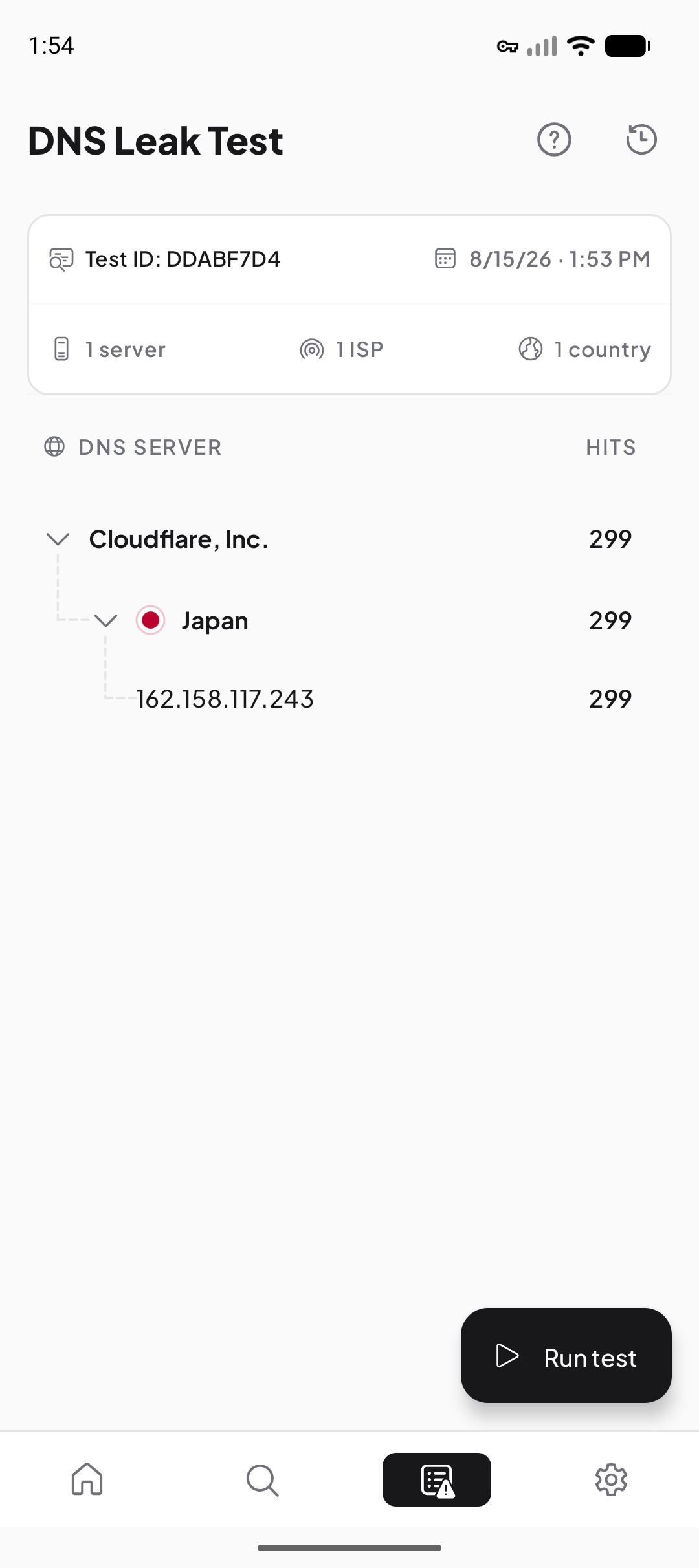
Observe the DNS resolvers used by a test
The DNS tool creates lookups that can be observed by test infrastructure and reports resolver information associated with them. That is different from merely listing a DNS server stored in Android settings: forwarders, caches, encrypted DNS, or a VPN can change what is seen upstream.
Record a baseline, change one condition, and repeat. If the resolver is unexpected, compare it with your ISP, private-DNS, browser, or VPN configuration before calling it a leak.
Separate delay, variation, and missing replies
Ping is the round-trip delay to a selected target. Jitter describes how much sample timing varies. Packet loss reports probes without a reply. A call can suffer from variation even when average delay looks acceptable, while one filtered target can appear to lose probes even if ordinary application traffic still works.
Keep the target, connection type, and test time when comparing results. Repeating the same test is more useful than comparing unrelated numbers from different tools.
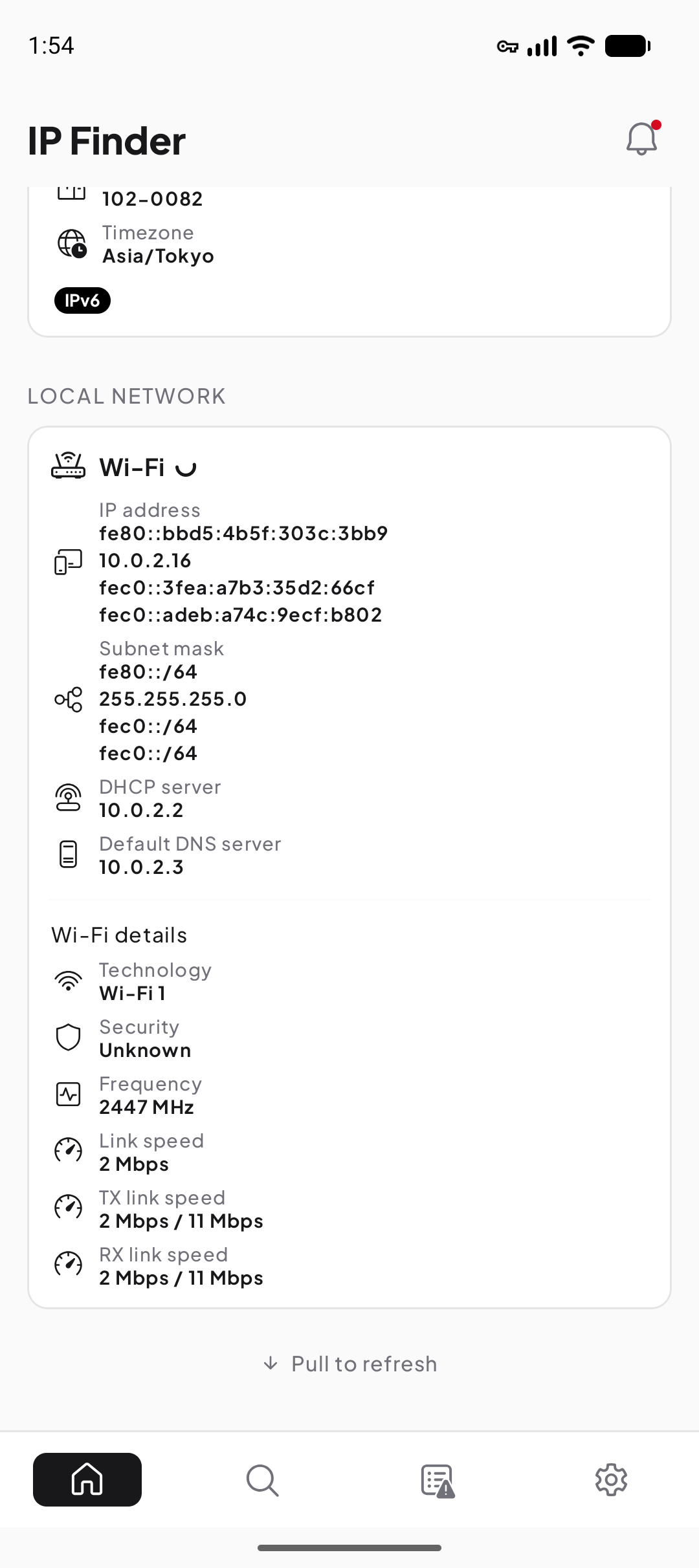
Inspect the first hop on Wi-Fi and LAN
Android can expose a private address, gateway, subnet or prefix, DNS settings, and Wi-Fi details for the current network. These values explain how the device reaches the router and nearby network; they are not expected to match the public address seen on the internet.
Mobile networks expose a different set of details because the carrier manages the local path. A blank field may mean Android did not make that value available, not that the network lacks the concept.
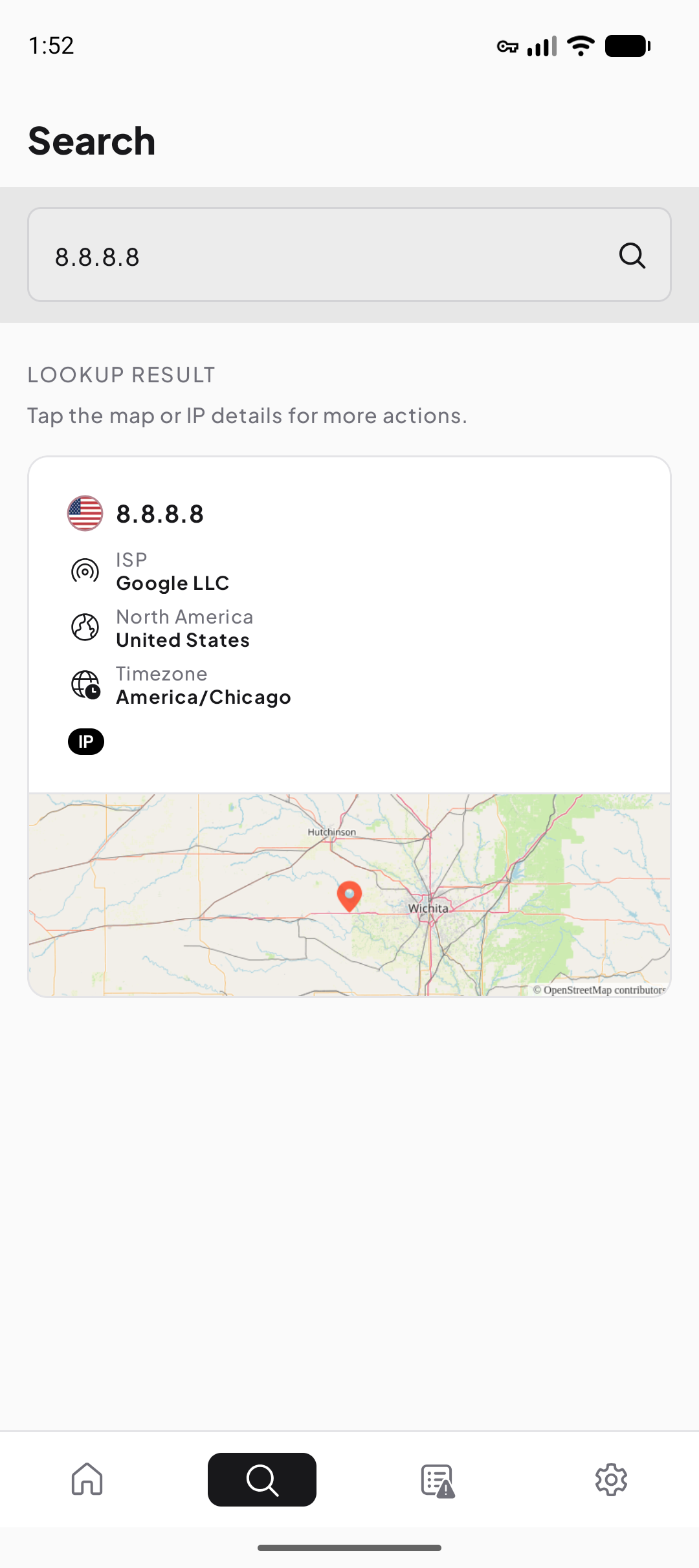
Interpret another public IP address
The lookup tool combines public registration, routing, organization, reverse-DNS, and approximate geolocation context where available. It is useful for understanding which network announces an address or why a VPN exit appears in another region.
Private, loopback, link-local, and documentation addresses have special scopes. A responsible lookup identifies that scope instead of inventing a public provider or location.
A better way to investigate a change
- Write down the question
For example: did the public path change after the VPN connected?
- Record a baseline
Keep the network type, VPN state, target, and time with the original values.
- Change one condition
Switch only the VPN, network, or DNS setting you intend to compare.
- Repeat and explain
Use the matching guide to distinguish an expected difference from one worth troubleshooting.